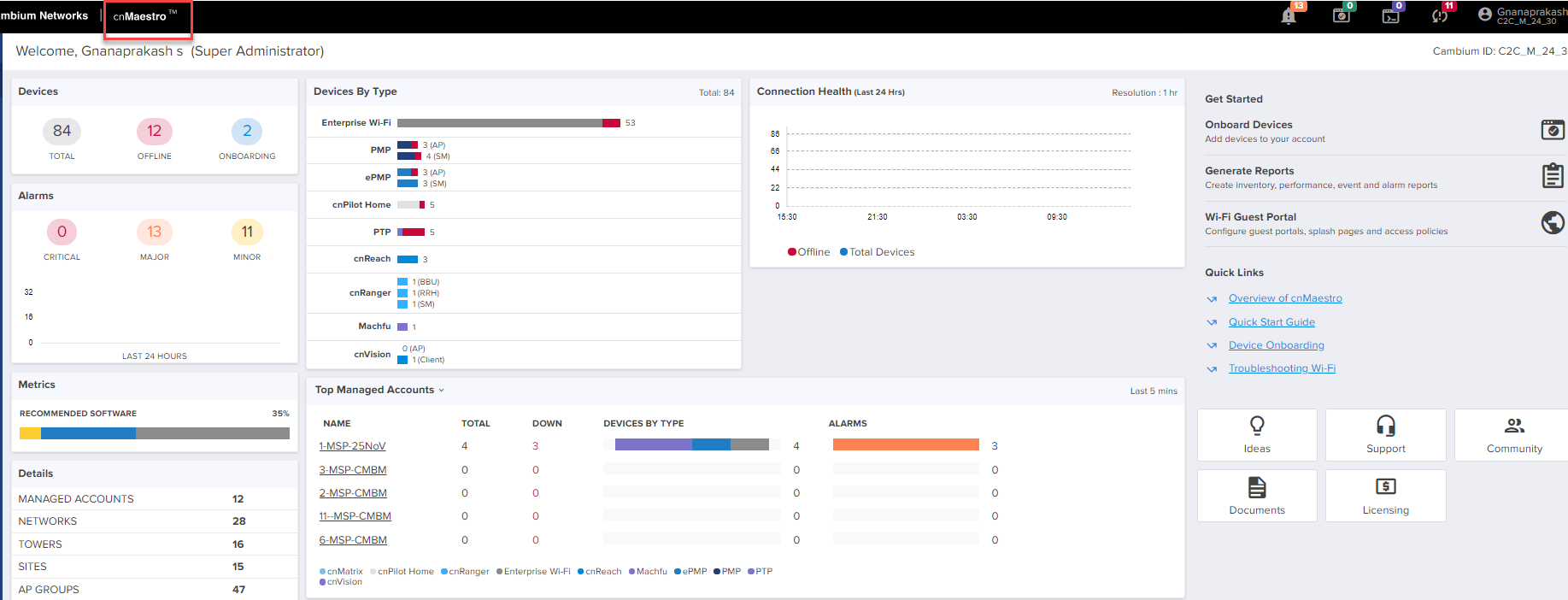
cnMaestro supports two types of accounts:
| | Essentials - Non-Paid Subscription |
| | cnMaestro X - Paid Subscription |
Essentials account can be identified as shown below as cnMaestroTM:
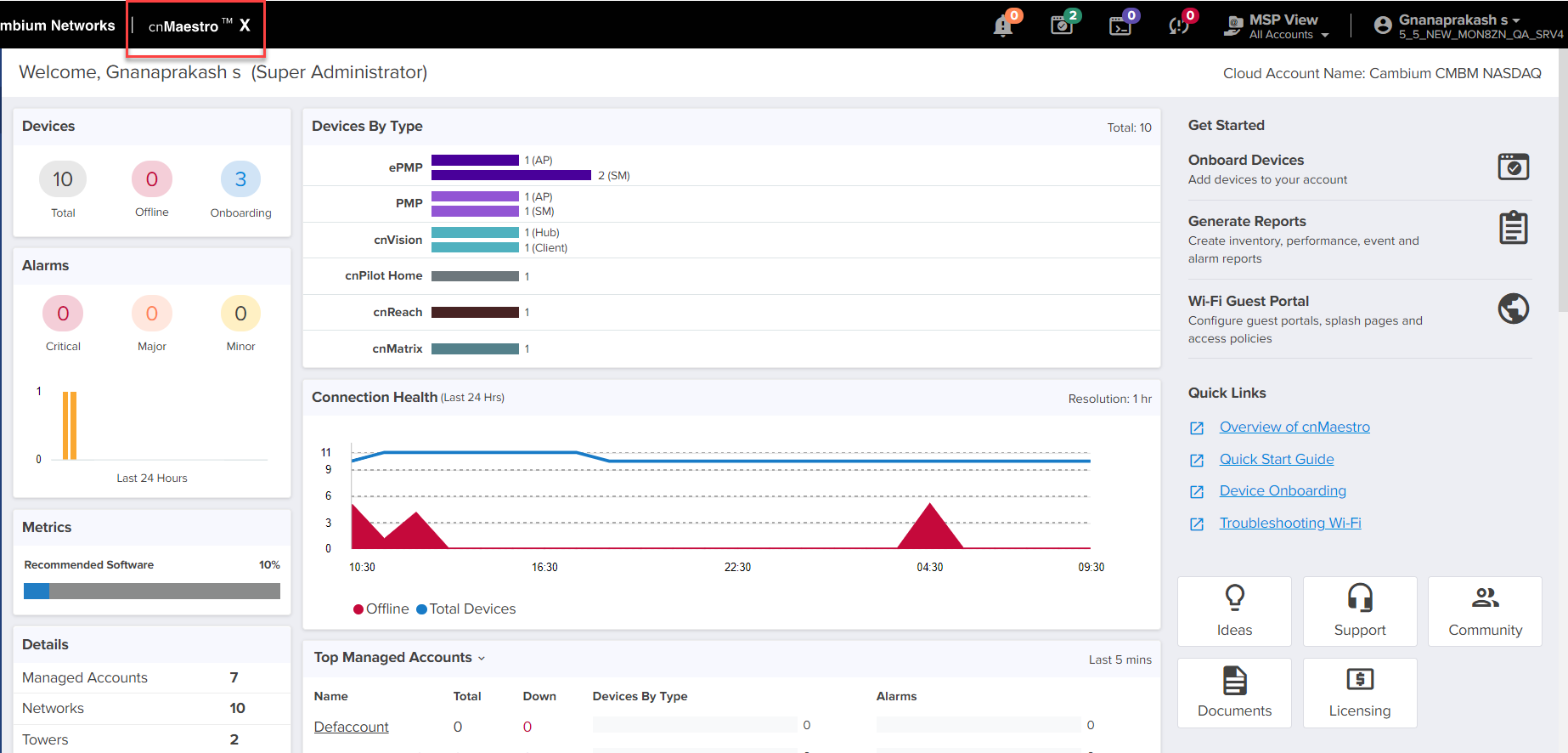
Subscription is activated cnMaestro X banner will be displayed.
In Manage subscriptions user can view, edit, check the validity, and status of subscriptions.
To manage the subscriptions:
| 1. | Navigate to the cnMaestro > Subscriptions > Manage Subscriptions page. |
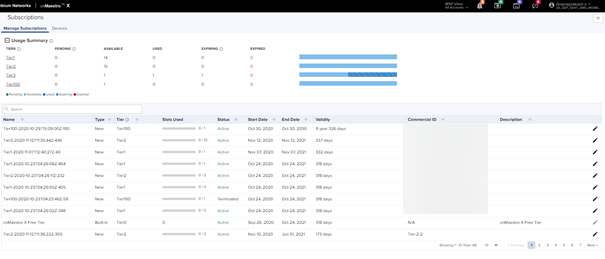
| 2. | User can view and manage subscriptions. |
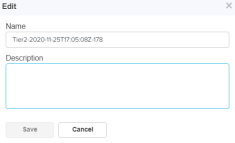
| 3. | Click the edit icon to edit the subscription Name and Description and click Save. |
| | Users can onboard the devices according to the allotted slots. |
| | The addition of a new device will be part of the subscription which is going to get expired at the earliest. |
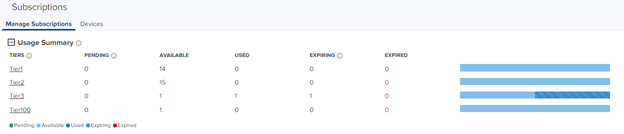
Usage summary displays the number of slots that are Pending, Available, Used, and Expired with the percentage graph.
Device Tiers is a set of classifications allotted for each device as shown below. Slots will be allotted according to the tier.
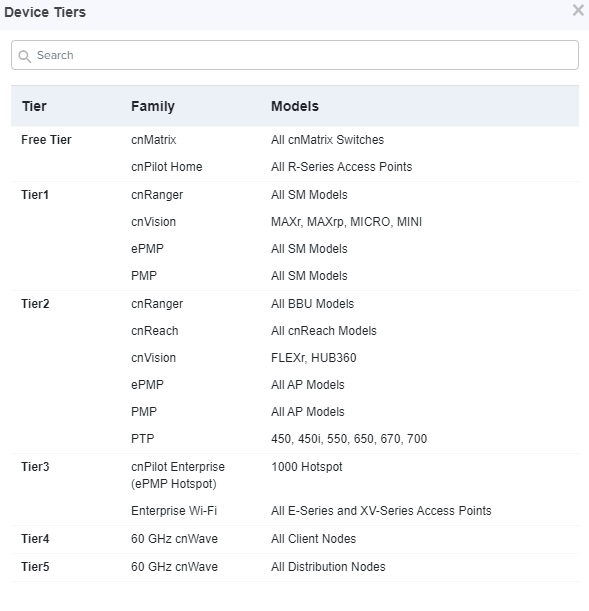
Devices not listed here do not require paid subscription and come bundled with Tier0 (Free Tier).
Users can onboard Free Tier to Tier 5 without subscription in the essential account. To onboard the Tier 100 devices user needs to subscribe to the following from the Cambium NetworksSupport:
| | MS-SUB-T100-X - for Essential account |
| | MSX-SUB-T100-X - for cnMaestro X |